Most tools that use LLMs are excessive and expensive. I don't need an agent framework with trillion‑parameter, billion‑dollar language models to perform the few productive, non‑wasteful tasks I want to do with LLMs. I just want to format some LaTeX or add boilerplate to my R Shiny app. I don't want an LLM to "think" for me.
lless is an agentless, chatbotless LLM interface for working in text and code in VS code editor. It is effective with moderate-sized LLMs like gpt-oss-20b and small language models (SLMs) like gemma-7b.
What is it?
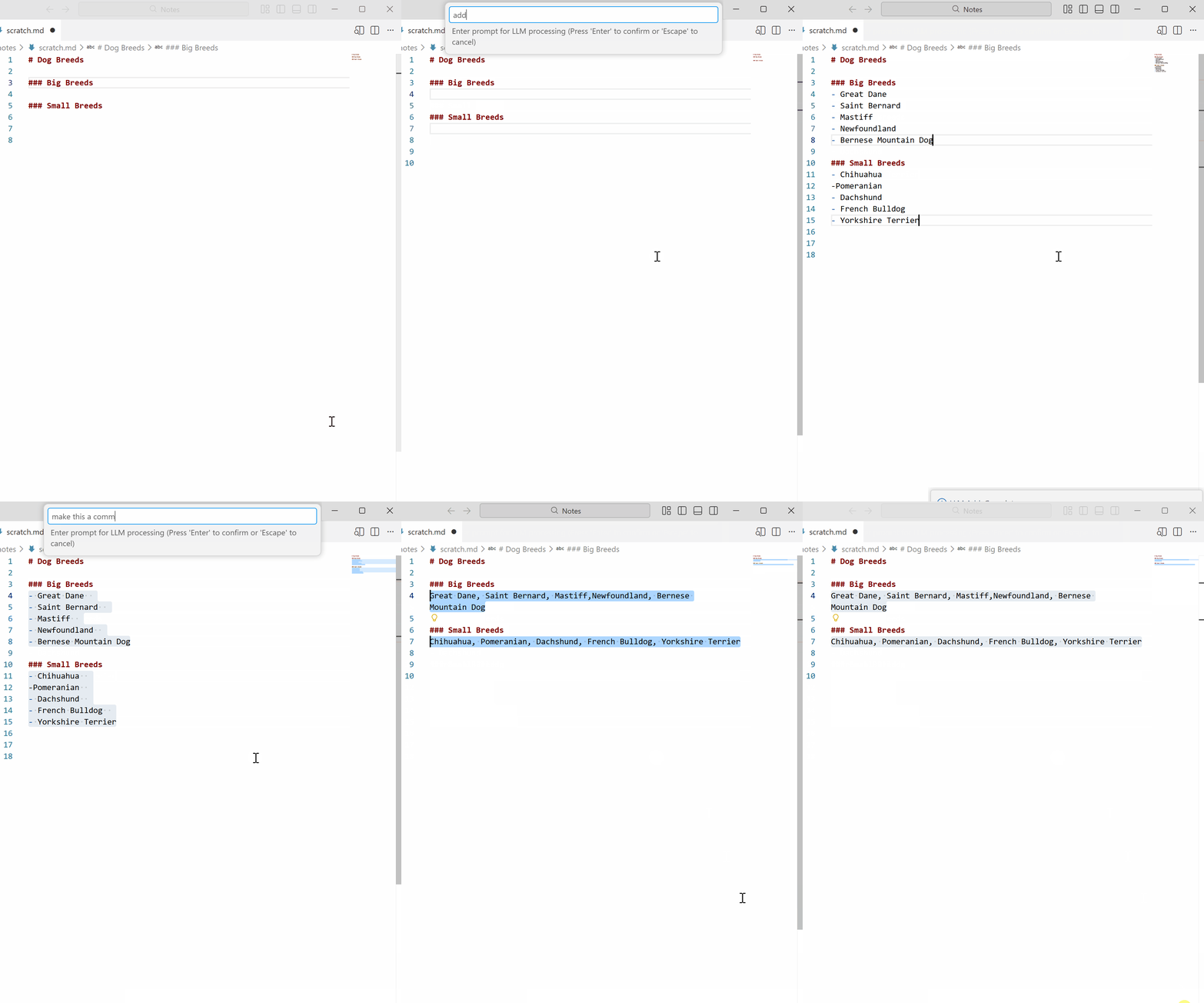
Lless is a tool that lets you use language models at your discretion. There is no chatbot. There is no agent. Just a single command. When text is selected, the selection is replaced with the LLM response. If no text is selected, the response is inserted at the cursor position. Context surrounding the cursor or selection is included for context‑awareness. The amount of context can be adjusted. Works across multiple cursors. Works with remote inference (OpenRouter / Similar) or locally (Ollama).
Usage
Run the command LLESS: LLM Process (lless.process) from the command palette (Ctrl+Shift+P). Try assigning it to a keyboard shortcut. Try Ctrl+Shift+t.
If there is no selection, LLESS: LLM Process will append the response at the cursor.
If you select text, run LLESS: LLM Process, and enter the transofmration you want in the prompt, the LLM response replaces the selection.
Work in prose, code, or whatever. Create a .lless file in your project root for custom instructions to be included with all LLM prompts.
Try working inside a diff buffer like workbench.files.action.compareWithSavedto see exactly how text is transformed.
These settings in your VS Code settings.json help with visualization:

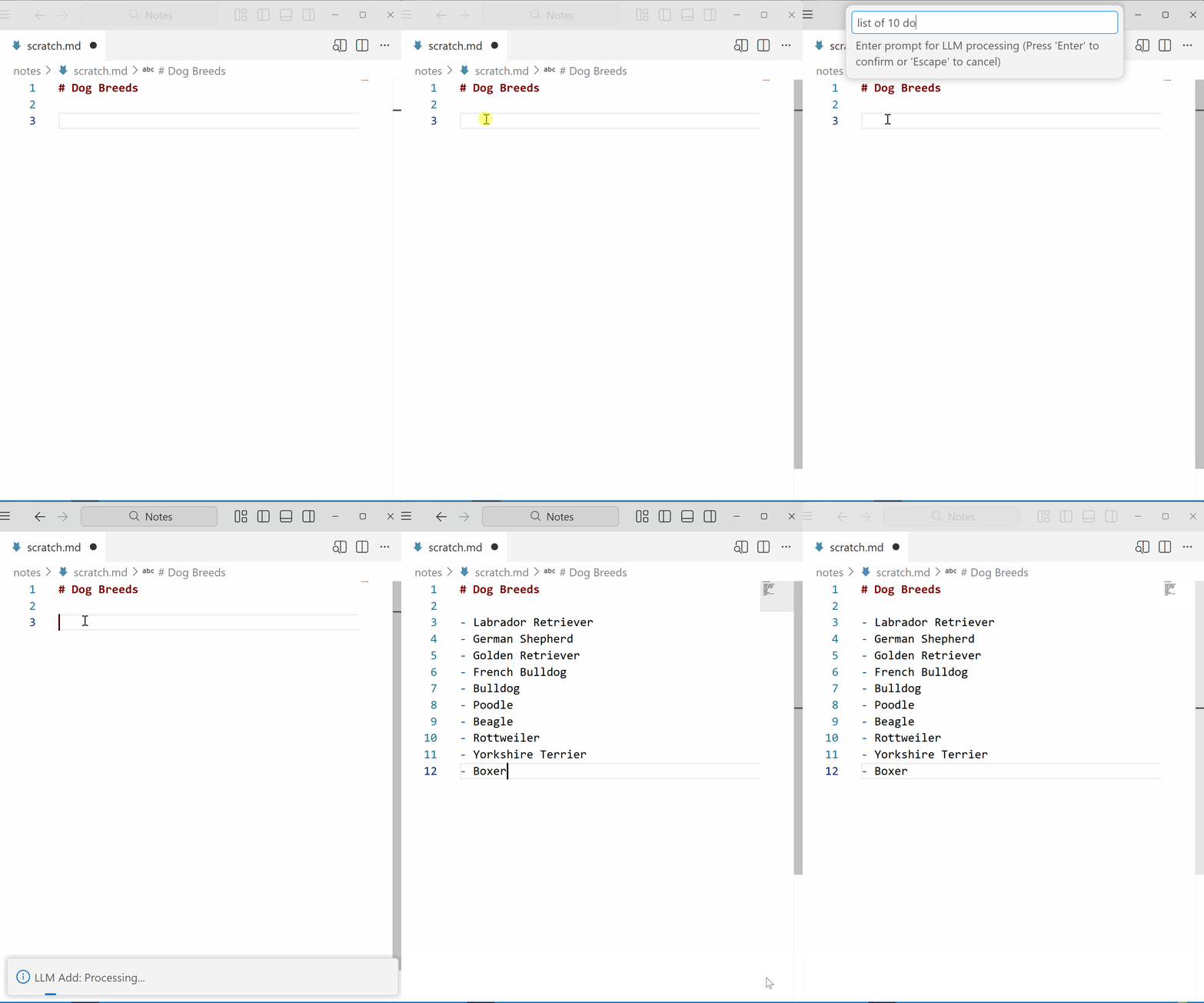 If you select text, run
 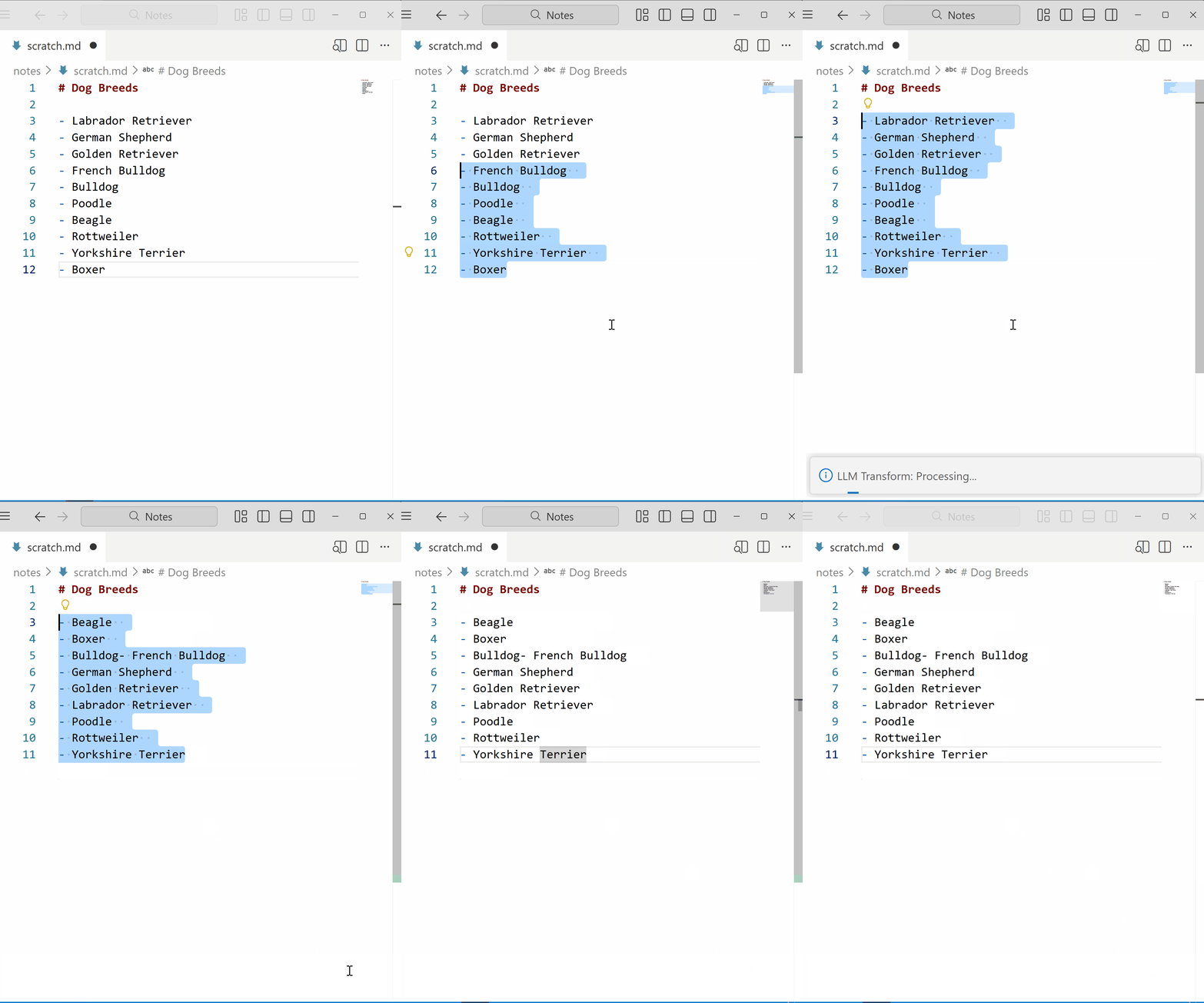 Work in prose, code, or whatever. Create a
 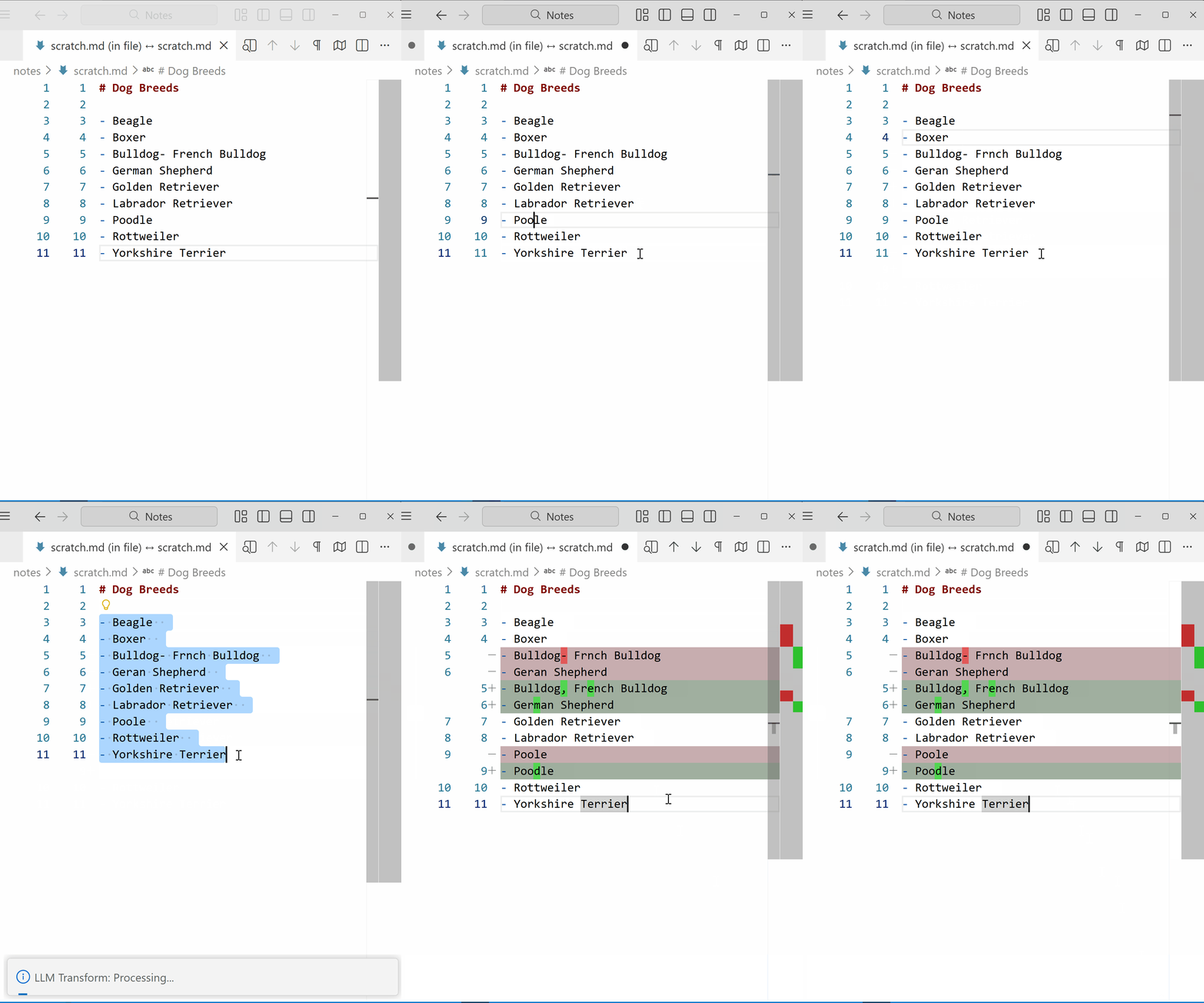 These settings in your VS Code settings.json help with visualization: